

Drive With MoveX
Professional driver tools for every move.
MoveX helps drivers receive job offers, navigate trips, update stages, capture proof of delivery, and complete jobs with a clean digital trail.
To join as a driver, install the MoveX app, choose the driver role, log in with your driver account, then enable background location and notification sound in your phone settings.
Live
job offers
Clear
routes
POD
proof capture
Traceable
earnings
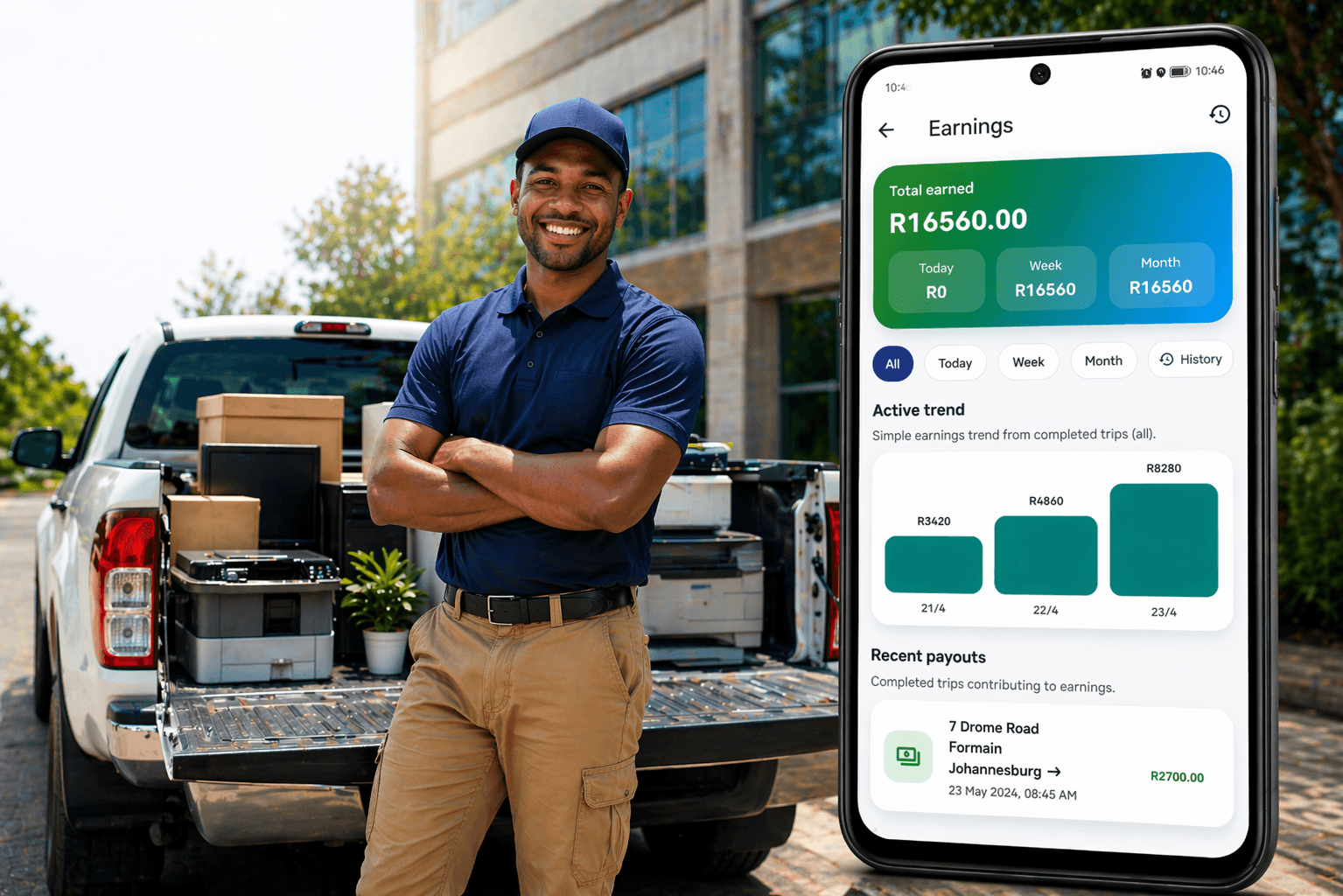
Accept nearby jobs

Navigate clearly
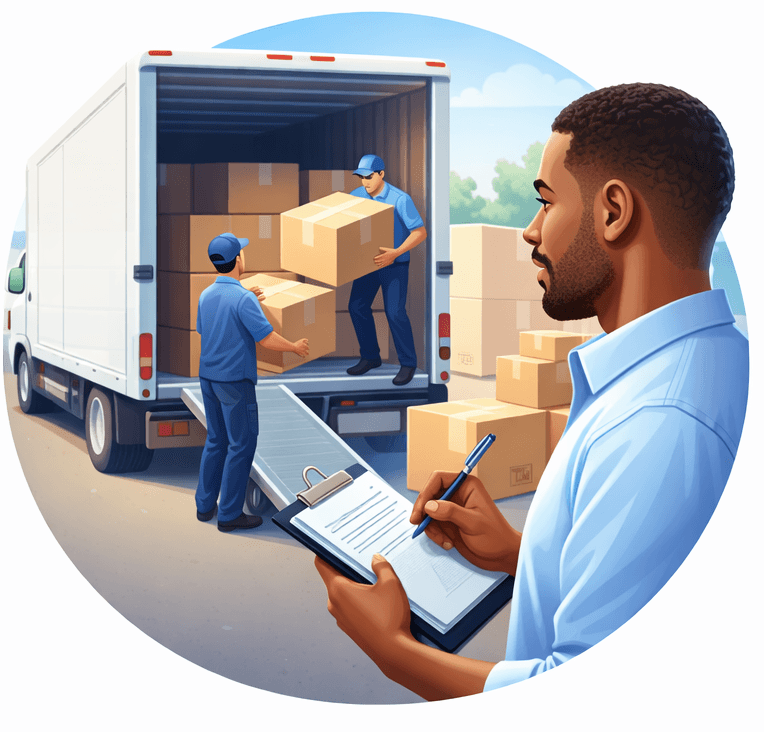
Capture delivery proof
Grow professionally
Driver workflow
From job alert to completed delivery.
Drivers follow a simple operational flow: accept, navigate, update, deliver, capture proof, and complete. This gives customers and operations teams visibility at every stage.
Receive offer
Get job details, pickup, drop-off, vehicle requirement, and trip value.
Navigate
Move through pickup and drop-off with clear trip-stage updates.
Deliver
Confirm delivery with customer notes, photos, and signature capture.
Complete
Close the job with a digital record, rating, and payout trail.
Proof of delivery keeps every job accountable.
Photos, receiver name, notes, signatures, and delivery confirmation help protect drivers, customers, and fleet owners.
Driver trust layer
Built for reliable, professional delivery.
MoveX driver workflows are designed to reduce confusion, support better customer communication, and create a clear evidence trail from pickup to delivery.
Requirements
What drivers need to get started.
Drivers join through the MoveX mobile app. Install the app, choose the driver role, and log in as a driver so your trips, status updates, and delivery proof stay connected to your driver profile. After logging in, open your phone settings for MoveX and allow location all the time or any available background location option, then allow notifications with sound so job offers can alert you even when the screen is locked.
Driver onboarding
Ready to join the MoveX driver network?
Install the MoveX app, choose the driver role, and log in as a driver. Then open your phone settings and allow MoveX location access in the background, plus notifications and notification sound for job offers. If you need help getting access or setting up your account, MoveX support can assist.